

跳转到主要内容

执行操作

Stagehand 提供了 act() 函数,可通过自然语言在页面上执行操作。以下是使用 Stagehand 在 LinkedIn 上查找工作的示例: 使用 Stagehand 执行操作 该工作流程仅需如下几行代码即可实现:
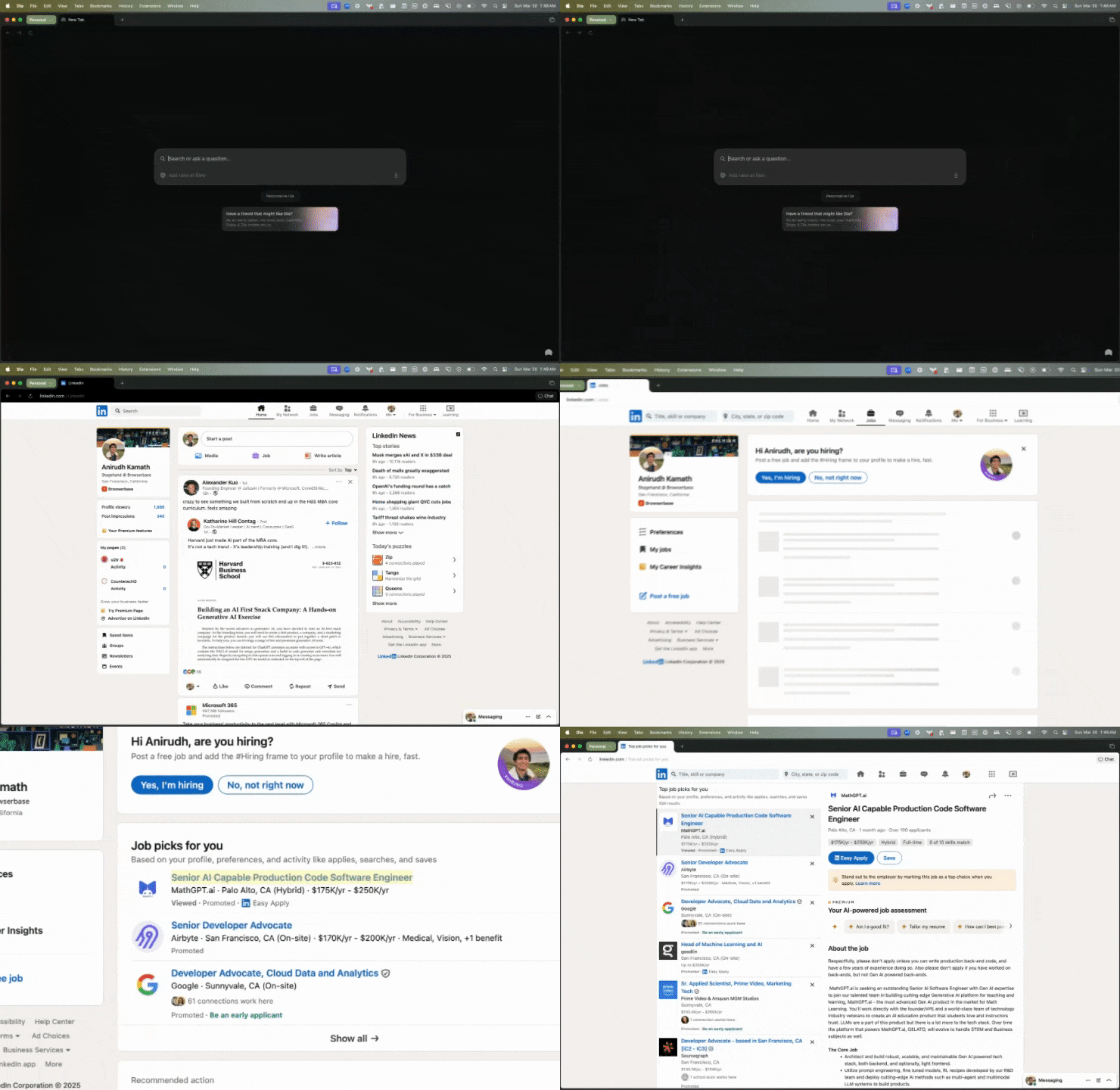
const page = stagehand.page
// Navigate to the URL
await page.goto("https://linkedin.com");
// Click on jobs menu selection
await page.act("click 'jobs'");
// Click on first posting
await page.act("click the first job posting");
page 对象扩展自 Playwright 的页面对象,因此您可以使用任何 Playwright 页面方法

从页面提取结构化数据

您可以使用 extract() 从页面获取结构化数据。 以下是提取职位发布中职位名称的示例:
const { jobTitle } = await page.extract({
	instruction: "Extract the job title from the job posting",
	schema: z.object({
		jobTitle: z.string(),
	}),
});
Stagehand 使用 Zod(针对 TypeScript)和 Pydantic(针对 Python)来帮助定义待提取数据的模式。

预览/缓存操作

有时您希望在执行操作前进行预览。可在调用 act() 前使用 page.observe() 实现。
const [action] = await page.observe("click 'jobs'");

console.log("Going to execute action:", action)
// You can add extra logic here to validate/cache the action

await page.act(action)
action 将是一个描述待执行操作的 JSON 对象。
// action is a JSON-ified version of a Playwright action:
{
	description: "The jobs link",
	method: "click",
	selector: "/html/body/div[1]/div[1]/a",
	arguments: [],
}
有关缓存的更多信息,请参阅缓存文档

可以执行哪些操作?

Stagehand 将自然语言映射到 Playwright 操作。 我们通常支持以下操作:
ActionDescription
scrollIntoView将元素滚动到浏览器窗口的可见区域
scrollTo滚动到页面高度的特定百分比位置
fill用指定文本填充表单字段
type在输入框中输入文本(fill的别名)
press模拟按下键盘按键
click点击匹配指定选择器的元素
nextChunk按视口高度的100%进行滚动
prevChunk按视口高度的-100%进行滚动
这些操作都可以通过自然语言命令触发。例如:
await page.act("scroll to the bottom of the page")
await page.act("fill in the username field with 'john_doe'")
await page.act("scroll the modal to the next chunk")