

Executing actions
Stagehand has anact() function that can be used to execute actions on a page using natural language. Here’s an example of Stagehand to find jobs on LinkedIn:
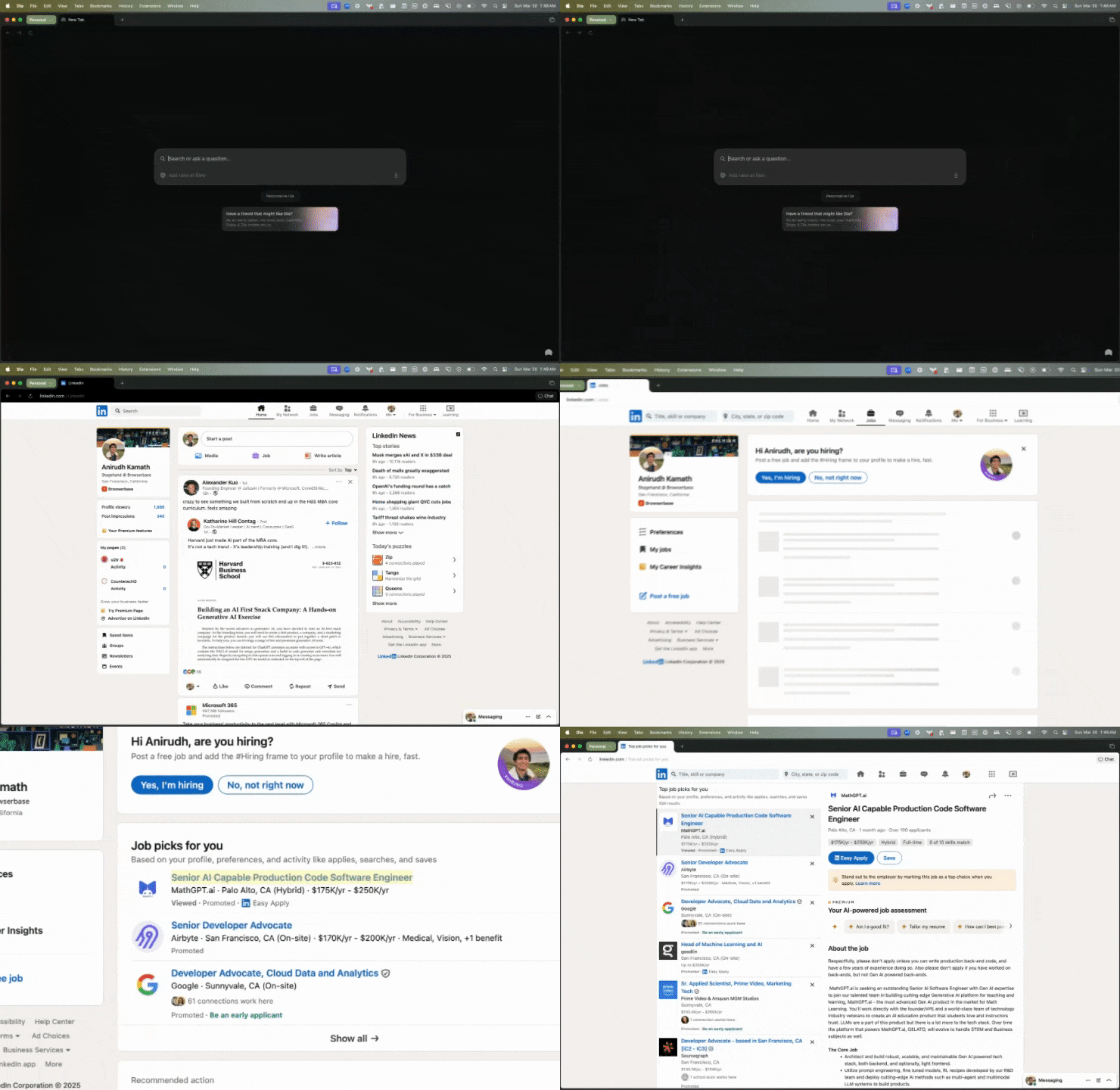
page object extends the Playwright page object, so you can use any of the Playwright page methods with it.
Get structured data from the page
You can useextract() to get structured data from the page.
Here’s an example of how to extract the job title from the job posting:
Preview/Cache an action
Sometimes you want to preview an action before it’s executed. You can do this by callingpage.observe() before act().
action will be a JSON object that describes the action to be taken.
What actions can I take?
Stagehand maps natural language to Playwright actions. We generally support the following actions:
Each of these actions can be triggered using natural language commands. For example: