

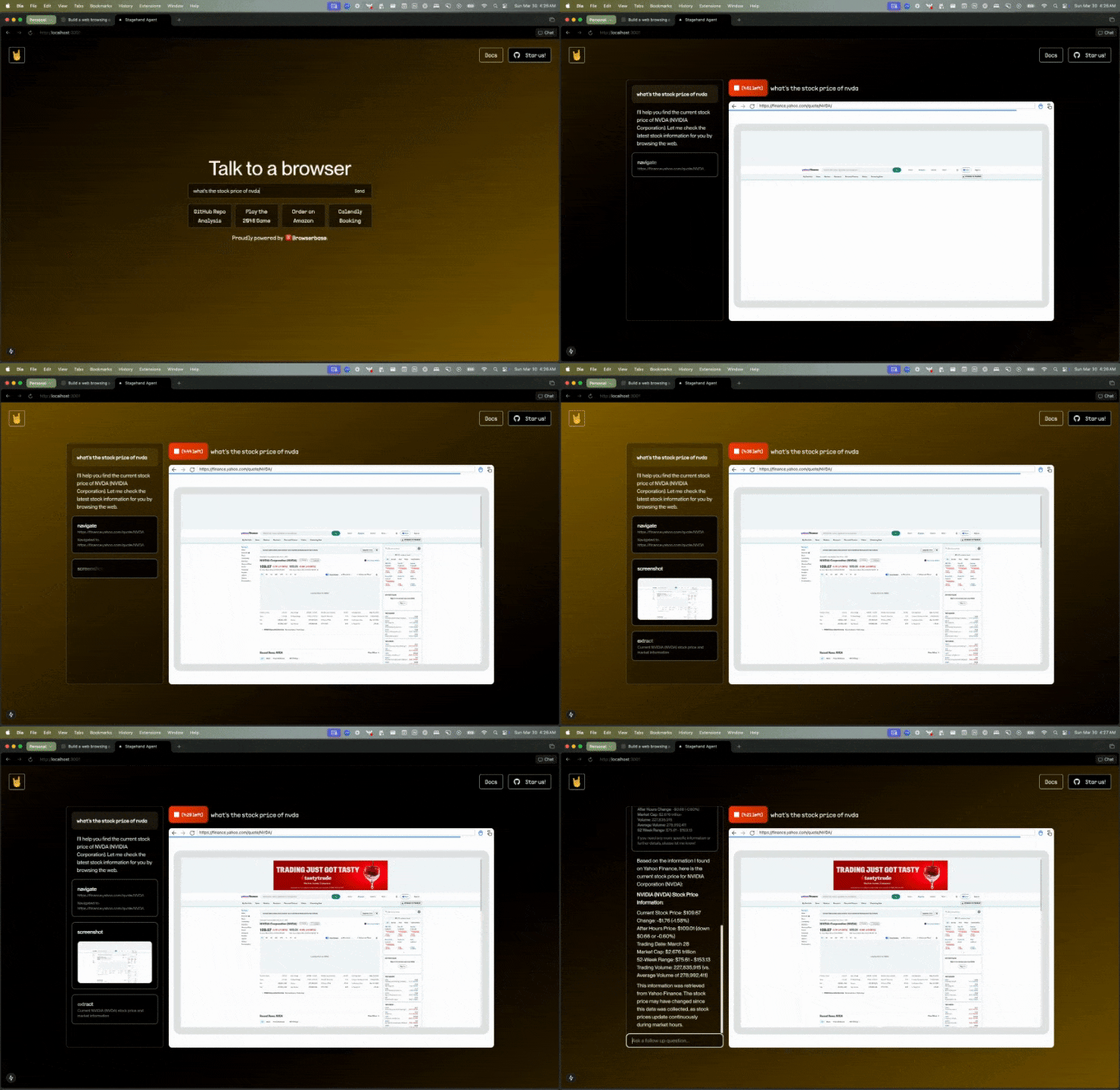
Stagehand MCP
The above example is a Claude agent that uses Stagehand to control a browser. At this time of writing, multimodal tool calling is only supported in Claude 3.5/3.7 Sonnet. This means Claude is intelligent enough to know when to request a browser screenshot, and it can then use that screenshot to make decisions about what actions to take next.Browserbase MCP
Control a browser with Browserbase MCP powered by Stagehand
Stagehand + Computer Use Models
Stagehand lets you leverage powerful computer use APIs from OpenAI and Anthropic with just one line of code.Stagehand + Computer Use Docs
Check out our docs page for instructions on how to use computer use models with Stagehand.
CUA Browser Demo
Check out a live demo of a Browserbase browser controlled by OpenAI’s Computer Using Agent (CUA) model.
Sequential Tool Calling (Open Operator)
In January 2025, Browserbase released Open Operator. Open Operator is able to reason about the browser state and take actions accordingly to accomplish larger tasks like “order me a pizza”. It works by calling Stagehand tools in sequence:- If there’s no URL, go to a default URL.
- Examine the browser state. Ask an LLM to reason about what to do next.
- Use
page.act()to execute the LLM-suggested action. - Repeat
stagehand.agent into your browser automation is as easy as adding a single line of code:
Python currently supports
stagehand.agent with Computer Use Agent (CUA) models. The default implementation is coming soon.Replay the agent’s actions
You can replay the agent’s actions exactly the same way you would with a regular Stagehand agent. You can even automatically cache the actions to avoid unnecessary LLM calls on a repeated run. Let’s use thereplay function below to save the actions to a Stagehand script file, which will reproduce the same actions the agent did, with cached actions built in.
utils.ts
utils.ts
"Get me the stock price of NVDA":
replay.ts